Mini PCs in 2026: Big Power, Tiny Footprint — and Your Own Local AI
Not long ago, mini PCs were the butt of jokes in tech circles — underpowered, overheating bricks that serious users avoided. That reputation is now completely obsolete. In 2026, a device smaller than a hardcover novel can edit 4K footage, run demanding local workloads, and host your own private AI assistant — all while drawing less power than the lamp on your desk.
This shift isn't incremental. It's a genuine category reset.
Why Mini PCs Finally Make Sense
The core argument for mini PCs has always been space and silence. What's changed is that performance has finally caught up. Today's top mini PCs match or beat mid-range laptops in raw throughput, consume 2–4× less power than comparable tower desktops, and operate near-silently under typical workloads. You can mount them behind your monitor with a VESA bracket and forget they exist — until you need them.
For DevOps engineers and developers running local build pipelines, AI inference, or containerized services, this form factor is increasingly hard to ignore.
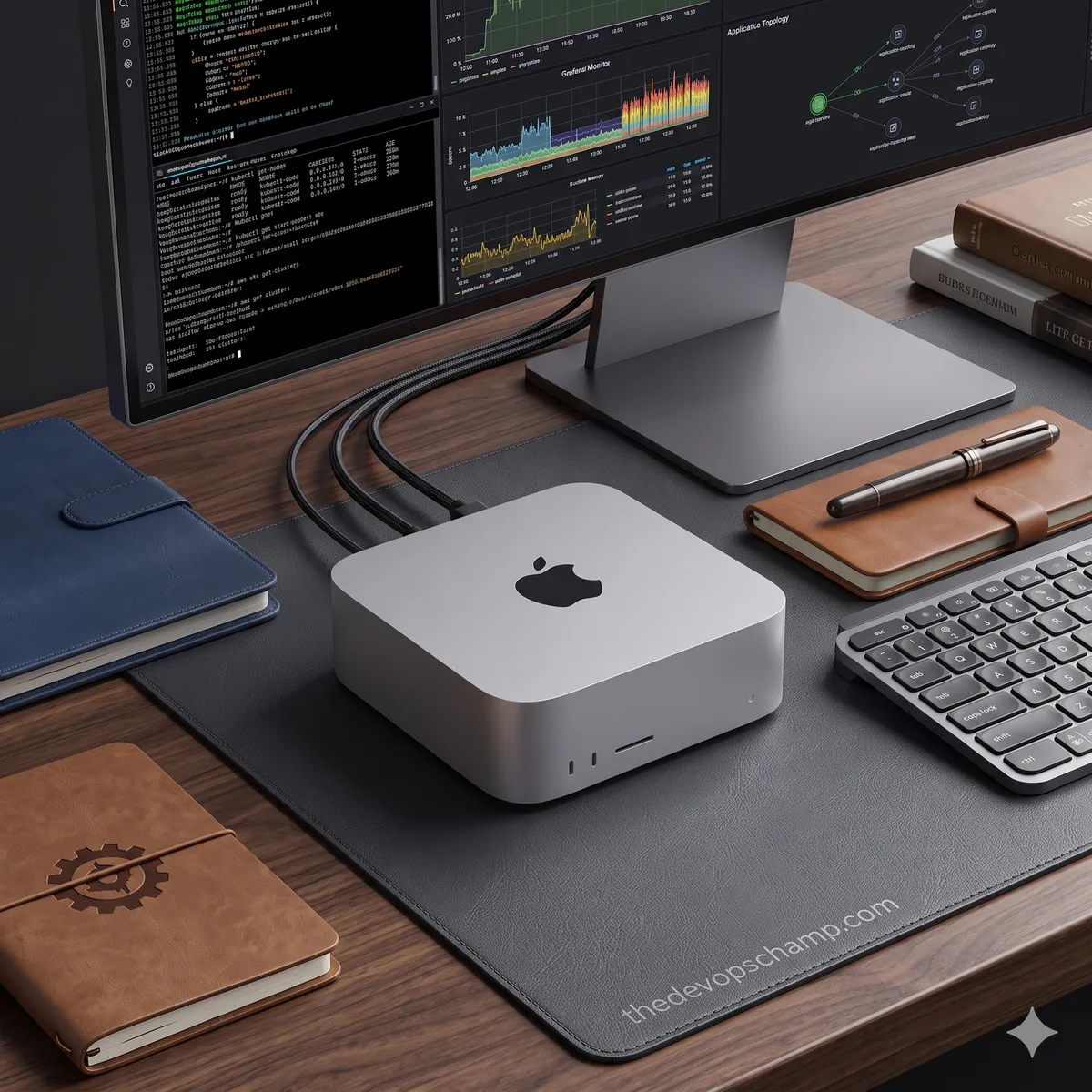
Apple Mac Mini M4 — Ruthless Efficiency
Apple's approach to the Mac Mini M4 wasn't just iterative — it was a ground-up rethink. The chassis uses 85% less aluminium than previous designs, and Apple claims the device is 20× smaller yet 6× faster than the best-selling desktop in its price range. Whether you accept marketing benchmarks or not, real-world performance backs up the broad strokes.
What's inside
-
Base model: M4 chip, 16 GB unified RAM, 256 GB SSD — starts at $599
-
M4 Pro model: Up to 64 GB unified RAM, up to 8 TB SSD — starts at $1,399
-
Peak power draw: ~40W, compared to 115W+ for Intel Core Ultra 9 systems under load
The thermal design is worth highlighting. Apple engineered the airflow to move through the entire chassis, not just past a heatsink. Sustained 4K exports in DaVinci Resolve or Adobe Premiere no longer spike temperatures the way earlier M-series Minis did under prolonged load.
The elephant in the room: nothing is upgradeable. Bumping RAM from 16 GB to 24 GB adds $200 at checkout. An extra 256 GB of SSD is another $200. You are locked in at the time of purchase, so spec accordingly.
Geekom AX8 Pro — The Windows Workhorse
If you're in the Windows/Linux ecosystem, the Geekom AX8 Pro punches well above its size. It's built around the AMD Ryzen 9 8945HS with 32 GB DDR5 and an integrated Radeon 780M GPU — the same GPU architecture found in much pricier laptops.
Key specs and performance
-
Rated TDP: 54W, with real-world peaks around 65W
-
Supports up to four simultaneous displays
-
Gaming at 1080p medium: Cyberpunk 2077 at ~51 FPS, Forza Horizon 5 at ~46 FPS
-
Pricing: $529 (Ryzen 7) / $749 (Ryzen 9), with RAM upgradeable
The cooling system handles sustained loads, though it does become audible under stress — nothing like a gaming laptop, but not as whisper-quiet as the Mac Mini. One practical note: if ordering through Amazon, inspect the unit immediately on arrival. There have been enough reports of DOA units that it's worth powering it on before discarding packaging.
MinisForum — When One Model Isn't Enough
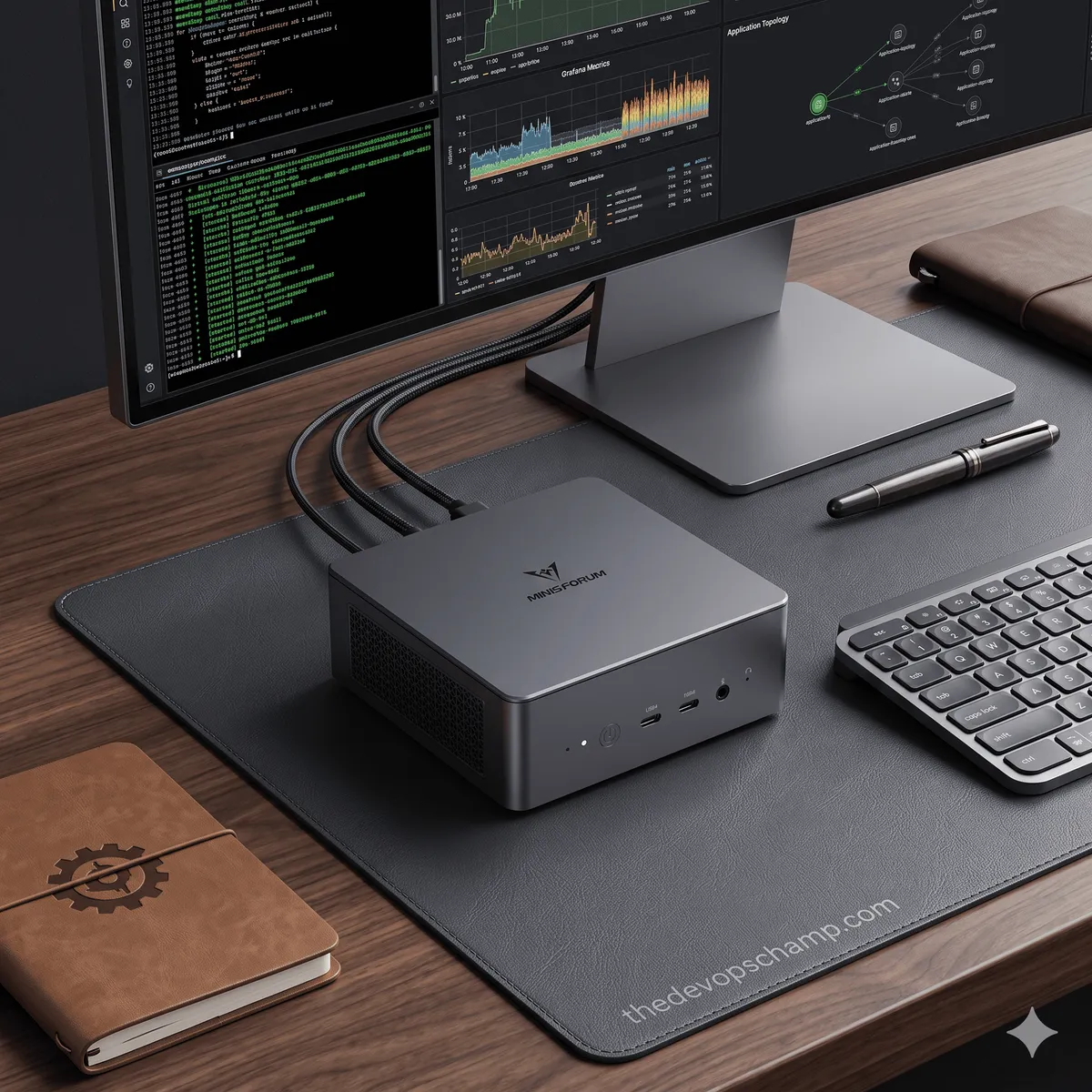
MinisForum operates differently from Apple or Geekom — they produce an entire ecosystem of mini PCs targeting different workloads, from budget home servers to high-end AI workstations.
Notable models in 2026
-
UM790 PRO — Ryzen 9 + Radeon 780M with solid cooling. The go-to recommendation for gaming and general use at around $500 (16 GB / 512 GB)
-
AI X1 Pro — AMD Ryzen AI 9 with Radeon 890M and full Copilot+ support. Built specifically around AI-accelerated tasks
-
MS-S1 MAX — AMD Ryzen AI Max 395 with 128 GB LPDDR5. This is the machine you want for running large local LLMs without compromise
-
G7 TI — Intel Core i9 paired with an Nvidia RTX 4070. The only mini PC here with a discrete GPU; handles any 2026 game title at high settings
-
MS-03 — Intel Panther Lake with DDR5 and Wi-Fi 7, aimed at developers and small business workloads
Running Local AI with Ollama — No Cloud Required
2026 has made local AI inference genuinely practical. Ollama has become the de facto tool for running open-weight LLMs directly on your hardware, and since its March 2026 integration with Apple's MLX framework, performance on Apple Silicon has improved significantly.
The appeal is straightforward: no API costs, no subscription fees, no data leaving your machine. Your queries stay local, your context stays private.
Diagnosing your hardware and picking the right model
This script detects your system specs and recommends the best Ollama models for your setup:
#!/usr/bin/env python3
# Run: python3 diagnose_minipc.py
# Detects mini PC hardware and recommends optimal Ollama models

import platform, subprocess, sys, shutil
from pathlib import Path

def get_ram_gb() -> int:
    sys_info = platform.system()
    if sys_info == "Darwin":
        result = subprocess.run(["sysctl", "-n", "hw.memsize"], capture_output=True, text=True)
        return int(result.stdout.strip()) // (1024 ** 3)
    elif sys_info == "Linux":
        mem_line = Path("/proc/meminfo").read_text().splitlines()[0]
        return int(mem_line.split()[1]) // (1024 ** 2)
    else:
        result = subprocess.run(
            ["wmic", "computersystem", "get", "TotalPhysicalMemory"],
            capture_output=True, text=True
        )
        return int(result.stdout.strip().splitlines()[1]) // (1024 ** 3)

def detect_chip() -> str:
    machine = platform.machine().lower()
    if platform.system() == "Darwin" and "arm" in machine:
        result = subprocess.run(
            ["sysctl", "-n", "machdep.cpu.brand_string"], capture_output=True, text=True
        )
        return result.stdout.strip() or "Apple Silicon (ARM)"
    return platform.processor() or "Unknown CPU"

def recommend_model(ram_gb: int, is_apple_silicon: bool):
    if is_apple_silicon:
        if ram_gb >= 64:
            return [
                ("qwen3.5:32b",      "Top pick for code and analysis",       "25–40 tok/s"),
                ("deepseek-r1:32b",  "Strong reasoning tasks",               "20–35 tok/s"),
                ("llama4:17b-scout", "Great balance of speed and quality",   "35–50 tok/s"),
            ]
        elif ram_gb >= 32:
            return [
                ("qwen3.5:14b",     "Solid all-rounder",                    "30–45 tok/s"),
                ("gemma3:12b",      "Fast, strong multilingual support",    "35–50 tok/s"),
                ("deepseek-r1:14b", "Good for reasoning-heavy workflows",   "25–38 tok/s"),
            ]
        else:
            return [
                ("qwen3.5:9b",  "Best fit for 16 GB unified memory", "30–40 tok/s"),
                ("gemma3:4b",   "Lightweight, handles daily tasks well", "55–70 tok/s"),
                ("mistral:7b",  "Reliable classic",                    "35–50 tok/s"),
            ]
    else:
        if ram_gb >= 64:
            return [
                ("qwen3.5:14b", "Optimal for 64 GB+ systems", "8–15 tok/s"),
                ("gemma3:12b",  "Good multilingual performance", "9–16 tok/s"),
            ]
        elif ram_gb >= 32:
            return [
                ("qwen3.5:9b", "Recommended sweet spot", "7–12 tok/s"),
                ("mistral:7b", "Stable, well-tested",    "8–14 tok/s"),
            ]
        else:
            return [
                ("phi4:mini",  "Best for RAM-constrained CPUs", "10–18 tok/s"),
                ("gemma3:4b",  "Fast with solid output quality", "12–20 tok/s"),
            ]

def main():
    print("\n🖥️  Mini PC Ollama Diagnostics\n" + "─" * 45)
    chip  = detect_chip()
    ram   = get_ram_gb()
    is_apple = platform.system() == "Darwin" and "arm" in platform.machine().lower()
    ollama_ok = bool(shutil.which("ollama"))

    print(f"  OS:               {platform.system()} {platform.release()}")
    print(f"  Processor:        {chip}")
    print(f"  RAM:              {ram} GB")
    print(f"  Apple Silicon:    {'Yes ✓' if is_apple else 'No'}")
    print(f"  Ollama installed: {'Yes ✓' if ollama_ok else 'No — get it at ollama.com'}")
    print("\n📦  Recommended models:\n")

    recs = recommend_model(ram, is_apple)
    for i, (model, desc, speed) in enumerate(recs, 1):
        print(f"  {i}. ollama pull {model}")
        print(f"     {desc} · {speed}\n")

    if ollama_ok and recs:
        best = recs[0][0]
        print(f"💡  Quick start:\n    ollama pull {best}\n    ollama run {best}\n")

if __name__ == "__main__":
    main()
Spinning up a local ChatGPT-style UI in one script
#!/bin/bash
# Launches Ollama + Open WebUI locally
# Requires: Ollama + Docker
# Tested on: macOS 15, Ubuntu 24.04, Windows 11 (WSL2)

command -v ollama &>/dev/null || {
  echo "❌ Ollama not found. Install: curl -fsSL https://ollama.com/install.sh | sh"
  exit 1
}
command -v docker &>/dev/null || {
  echo "❌ Docker not found. Install Docker Desktop first."
  exit 1
}

echo "🚀 Starting Ollama..."
OLLAMA_HOST="0.0.0.0:11434" ollama serve &>/tmp/ollama.log &
OLLAMA_PID=$!
sleep 2

MODEL="qwen3.5:9b"
if ! ollama list | grep -q "$MODEL"; then
  echo "📥 Pulling $MODEL (~5.5 GB)..."
  ollama pull "$MODEL"
fi

echo "🌐 Starting Open WebUI..."
docker run -d \
  --name open-webui \
  --restart unless-stopped \
  -p 3000:8080 \
  -e OLLAMA_BASE_URL="http://host.docker.internal:11434" \
  -v open-webui:/app/backend/data \
  ghcr.io/open-webui/open-webui:main

echo "
✅ Local AI stack is live.

   Web UI:       http://localhost:3000
   Ollama API:   http://localhost:11434
   Model:        $MODEL

   Create a local account on first visit.
   Zero cloud sync. All data stays on your machine.

   To stop:
     docker stop open-webui
     kill $OLLAMA_PID
"
The Bottom Line
Mini PCs have quietly become one of the most practical infrastructure decisions you can make in 2026 — especially if you're a developer or DevOps engineer who values low power draw, silent operation, and a clutter-free workspace. The Mac Mini M4 wins on efficiency and thermal design; the Geekom AX8 Pro gives you flexibility and upgradeable RAM; and MinisForum's lineup covers everything from budget builds to 128 GB AI workstations.
What ties all of this together is Ollama. Pairing any of these machines with a well-chosen local LLM means you get a private AI assistant that costs you nothing beyond electricity — no subscriptions, no data leakage, no rate limits. For anyone running sensitive workloads or just tired of API bills, that's a compelling proposition.